Sign in. It’s quick, free and it’s up to you.
An account is an optional way to support the work we do. Find out more.
Sign in. It’s quick, free and it’s up to you.
An account is an optional way to support the work we do. Find out more.
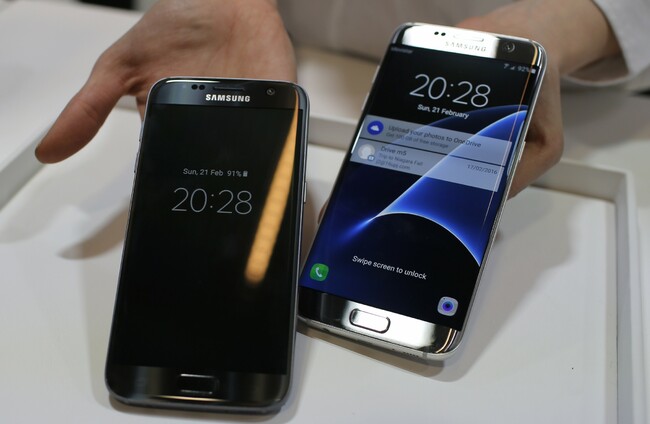
WHEN YOU GET A notification regarding a message, chances are you don’t want someone else to see them.
It can be handy to get the gist of it through a glance but chances are you only want yourself to see them, and not your friends or strangers.
A simple way of increasing your privacy is to turn off message previews entirely so that sensitive information is hidden.
On iOS, it’s a matter of going into Settings > Notifications > Messages. Alongside the usual options like show in notification centre, sounds and lock screen, scrolling down to the bottom will present you with a Show Previews option.
Turning this off will ensure the next time you get a message, you’ll only be told who it’s from. For third-party apps like WhatsApp, you will have to go into the app itself to turn off previews.
On Android, it’s a little more straightforward. By going into Settings > Sounds and Notifications, you can scroll down until you reach the notifications part.
One of the options will be ‘When Device is Locked’ which allows you to show all content, hide sensitive content or don’t show notifications at all. Choosing to hide sensitive content will still display notifications, but it won’t expand them or reveal what they say.
The obvious drawback is you have to go into the app itself to read the message, meaning the other person will know you’ve read the message. On the bright side, you can also disable that if you know where to look.

To embed this post, copy the code below on your site
















have your say