Sign in. It’s quick, free and it’s up to you.
An account is an optional way to support the work we do. Find out more.
Sign in. It’s quick, free and it’s up to you.
An account is an optional way to support the work we do. Find out more.

PART OF THE beauty of smartphones running Google’s Android operating system is that they allow a deeper level of customisation.
That can be pretty confusing for some people.
If you got a new Android phone for Christmas, here are a few quick tips to get you started.
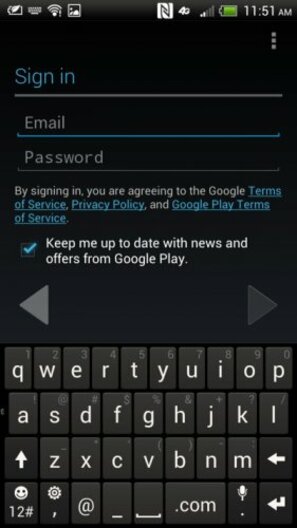
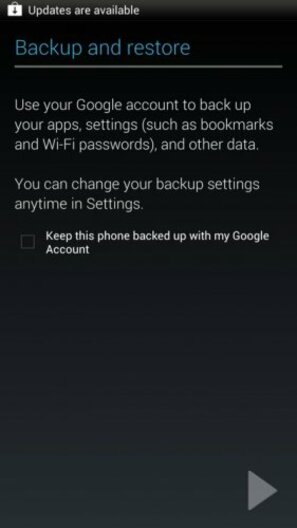
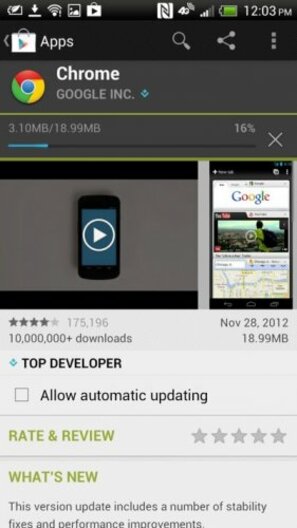
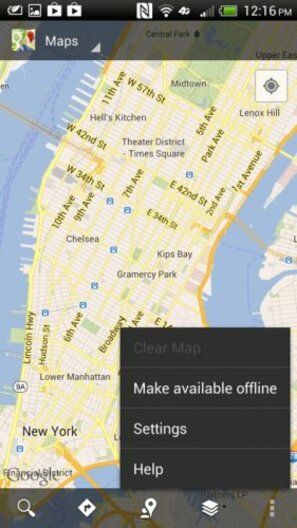
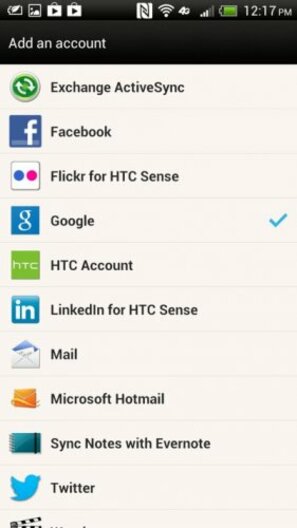
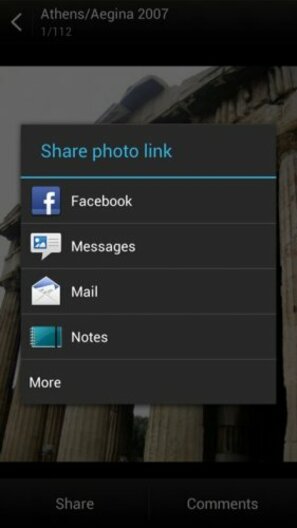
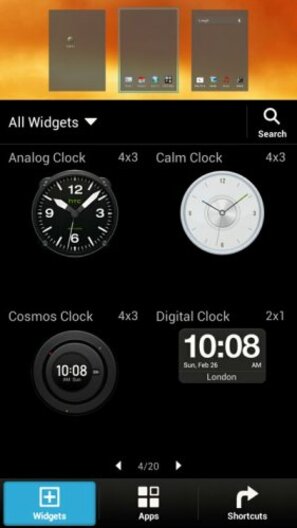
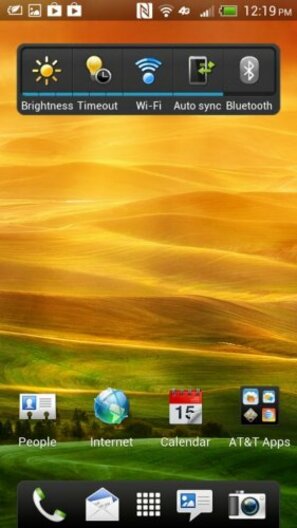
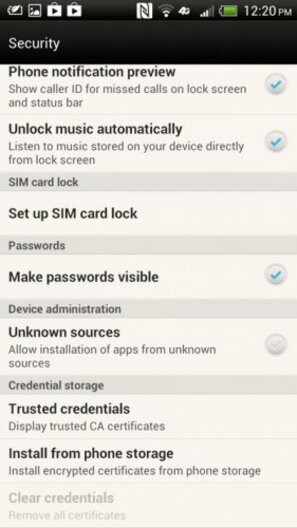
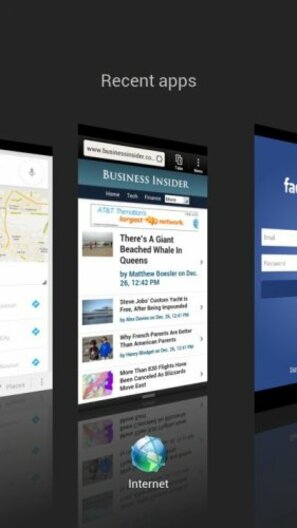
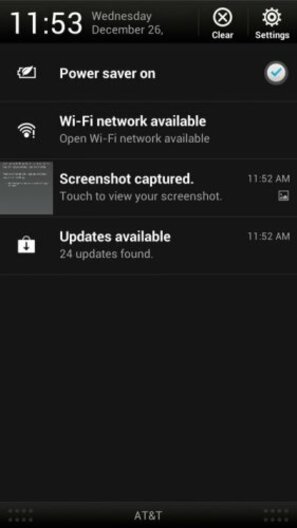
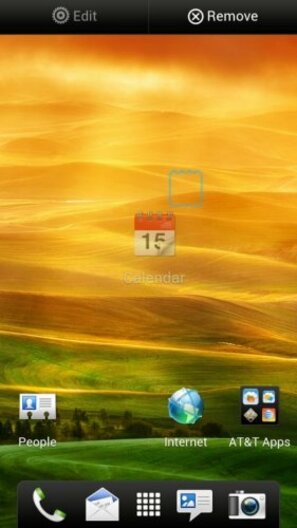
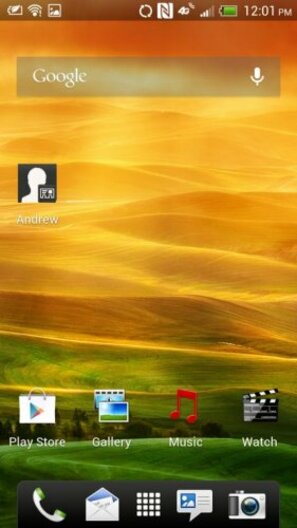
Note: All Android phones are different. Each manufacturer alters the software a bit, so the screenshots here may look a little different than the phone you have. Just keep in mind that the basics are essentially the same on most devices. We used HTC’s One X+ for this demonstration.
See also: 15 tips and tricks for your new iPhone>



To embed this post, copy the code below on your site













have your say