We need your help now

Support from readers like you keeps The Journal open.

You are visiting us because we have something you value. Independent, unbiased news that tells the truth. Advertising revenue goes some way to support our mission, but this year it has not been enough.

If you've seen value in our reporting, please contribute what you can, so we can continue to produce accurate and meaningful journalism. For everyone who needs it.

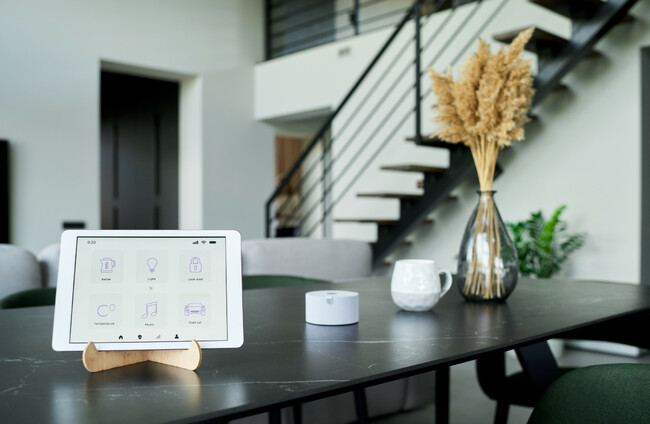
Shutterstock

DIY Smart Home: How to get started on upgrading your home

A beginner’s guide to making your home smarter.

IT’S THE START of a new year, which means it’s the perfect time for trying new things, exploring new opportunities, and improving what we can.

One way to make your home a more convenient, comfortable and secure space is by thinking about what smart devices can do for you.

In this week’s edition of the Allianz Home Magazine, we are going to look at getting started on the basics. Here’s how to DIY when it comes to making your home a smart home. 

What is a smart home?

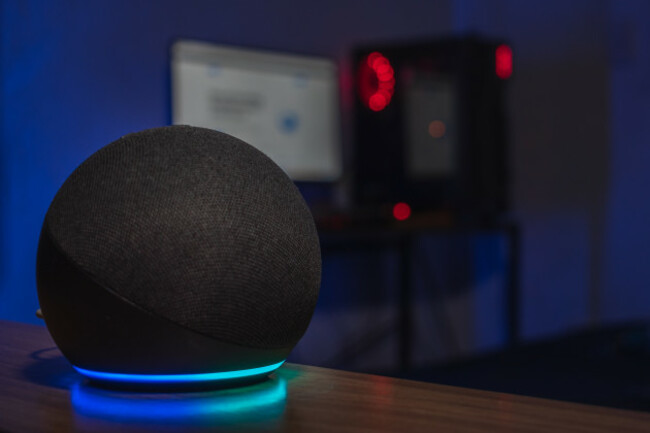
amazonalexaechodotvoiceassistantsmarthomespeakercomputer Shutterstock Shutterstock

A ‘smart home’ is a home where everyday appliances, like your fridge, plugs, lights, or sound system, are connected to your WiFi — almost all smart devices have their own specific apps, which you can download to your phone to connect the device to your internet source.

Step 1: Where to start with going smart

There’s no sense in making changes for the sake of it, so start by identifying what changes would make your life easier and where you’d like your home to be smarter.

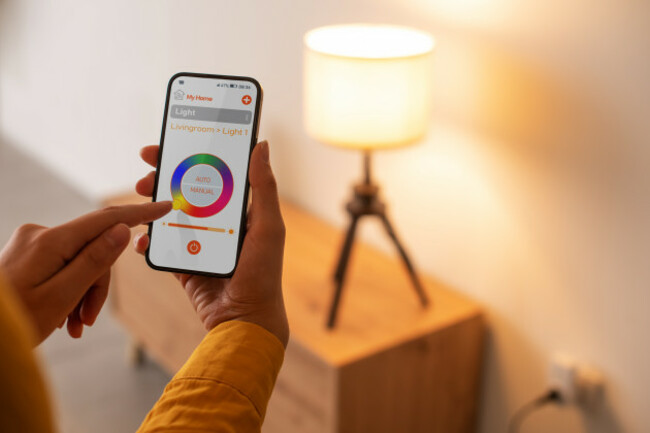
The best place to start is often with things like lightbulbs, which are small, low-cost and readily available. Once paired with your phone, you’ll be able to control all of the smart lightbulbs in your home at a tap.

Similarly effective are smart plugs, which can turn appliances on and off at your command. For example, if you’ve got your air fryer connected to a smart plug, you can now control it remotely, turning it on or off, and maybe even doing more depending on how much you invest in your devices. 

Most importantly, small devices like these tend to be compatible with all mainstream voice-activated assistant devices, which brings us to…

Step 2: Get a voice-activated assistant 

Connecting your appliances to a smart, voice-assisted device such as the Amazon Echo, the Google Nest, or the Apple HomePod will make your life much easier. Once all devices are connected to the same network, you can start to control your life simply by telling your device what it is you need done. 

These devices can help you organise your life and your home in all sorts of valuable ways, such as with reminders, timers, and even being able to tell you your shopping list/to-do list before you head out the door. 

These devices also connect you with the smart appliances around your home, sort of like the central nervous system of the smart home. If you’ve got your smart features set up and connected to your home assistant device, then you can start to manage your home simply by saying something like ‘Echo, turn on the landing light’ from the comfort of your couch.  

Once you’ve got your voice-assisted device set up, you can start to explore the ways in which you’d like your home to be smarter.

Step 3: Don’t be scared of the set-up

womancontrollingsmartlightingathomesheissettinglight Shutterstock Shutterstock

As with any new technology, setting these things up can be a bit of a pain. It’s important not to be put off. In most cases, set-up will be done through your phone. You will most likely plug in your appliance (or screw in, in the case of a lightbulb), pair it with your phone (which will also pair it with your Echo-style device), and from there, you’ll be ready to explore all the features your smart device has to offer. 

If you feel like the instruction manual is a bit impenetrable and you’re struggling to set up any of your smart devices, make sure to consult YouTube.There will almost always be a video tutorial uploaded by a hobbyist, explaining exactly how to set up your smart devices. Even though you’re doing it yourself, there is always plenty of expertise readily available to you.YouTube tutorials are also a great way to learn more about the many features of your smart devices, so if you ever need any help, just type the name of your product into the YouTube search bar.

Step 4: Get smart(er)

After taking the first steps towards making your home a smart home, you’ll be better placed to think about what it is you need. Smart thermostats, smart dishwashers, and smart ovens are all available now, and once you’ve gotten to grips with running your home through your devices, you might find yourself more encouraged to expand and see what else you can simplify. The deeper you delve into the smart home life, the more you can tailor your experience to your behaviours and preferences.

Enjoy the peace of mind that comes with knowing your home and contents are protected with Allianz Home Insurance. Get 10% off new policies online at www.allianz.ie/home-insurance.

Allianz p.l.c. is regulated by the Central Bank of Ireland. Standard acceptance criteria, minimum premiums, and terms & conditions apply. 

Close