Sign in. It’s quick, free and it’s up to you.
An account is an optional way to support the work we do. Find out more.
Sign in. It’s quick, free and it’s up to you.
An account is an optional way to support the work we do. Find out more.
IT’S MONDAY, IT’S the start of the work week and chances are you have fifty things to do before the day is finished.
For most of us, it requires you to research or look up multiple pages while keeping your email and other important web pages accessible.
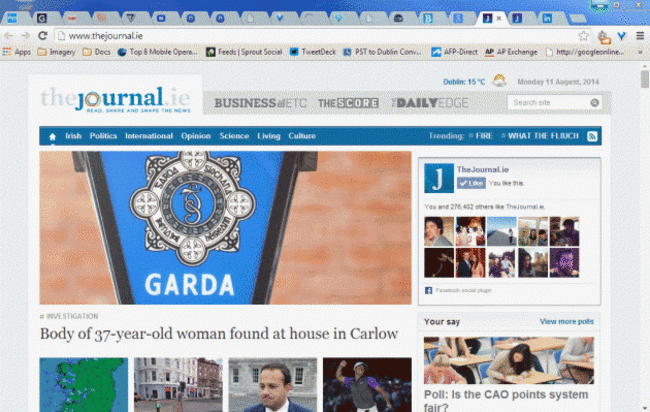
This leaves you with multiple tabs open which not only gets messy, but can also slow down your browser, especially if it’s loading up media-rich sites.
Thankfully, if this is causing you problems, there are numerous plugins which allow you to better organise your tabs and free up browser memory.
One of the most popular examples is OneTab (Chrome and Firefox), which brings every tab you have open on a window to the one page.
If you find yourself regularly having numerous browser tabs open and want to give yourself some peace of mind, it’s a great way of clearing things up.
Just remember that since you’re restoring pages, you’re effectively reloading them so any unsaved information will be lost.
(OneTab for Chrome and Firefox)

To embed this post, copy the code below on your site















have your say