Sign in. It’s quick, free and it’s up to you.
An account is an optional way to support the work we do. Find out more.
Sign in. It’s quick, free and it’s up to you.
An account is an optional way to support the work we do. Find out more.

WHENEVER YOU VISIT a web link on Facebook’s app, you’re usually redirected to its in-app browser instead of your standard one.
While this allows a page to load up faster, you might prefer to use Chrome or another browser to access these pages instead. Either for saving bookmarks, more features, or just because you find Facebook’s own browser to be lacking.
If you’re an Android user, it’s possible to disable it entirely although it is hidden away in settings.
By going into the Facebook app and options, scroll down to ‘Help and Settings’ and go into ‘app settings.’ Turn on ‘Links open externally’ so that the next time you open up a link, it will go to your default browser instead of opening within Facebook.
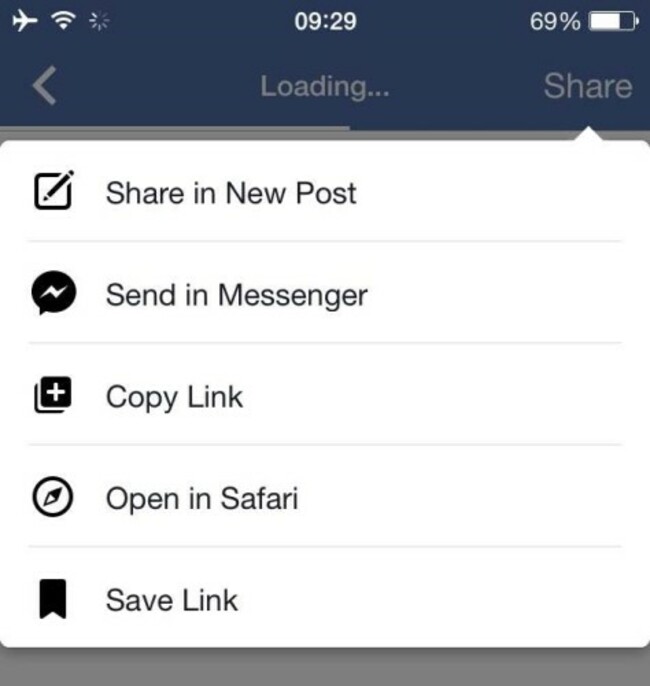
If you’re on iOS, then you won’t have the same luxury although all is not lost. When you open up a link, tap the share menu and select ‘Open in Safari’.
It’s not the best solution, especially if you’re not a fan of Safari, but it’s the closest you’re going to get to one.

To embed this post, copy the code below on your site












have your say