Sign in. It’s quick, free and it’s up to you.
An account is an optional way to support the work we do. Find out more.
Sign in. It’s quick, free and it’s up to you.
An account is an optional way to support the work we do. Find out more.

YOUTUBE HAS A large collection of music videos and if you’re not using services like Spotify and Deezer, then it mightn’t be a surprise that you use it as your own personal music player.
However, it’s an unnecessary strain on your computer to be playing a video when really you just want to listen to the audio Granted you already have YouTube Music Key, a beta service which allows you to download videos and listen to them outside of the app itself.
That’s where Streamus comes into play. Acting as a Chrome extension, it allows you to listen to the audio of any YouTube video that you play within it. It also means there’s no extra tab that you have to keep open so you don’t accidentally close it.
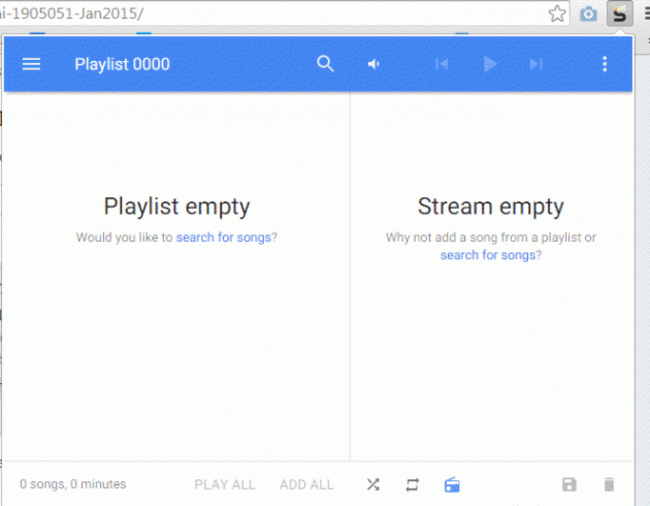
There’s also a radio section which will play music based on what you’re listening to, so you’re not left with any quiet moments. The more songs you decide to look up, the better it gets at predicting the type of music you like, although if you’re prefer listen to soundtracks, it will usually play it safe unless you’re listening to a diverse range of tracks.
While you may use Spotify, Deezer and other services for listening to music artists, Streamus is good for listening to music that isn’t traditionally covered by artists like soundtracks or any audio clips that have been uploaded but don’t necessarily benefit from video format.

To embed this post, copy the code below on your site
















have your say