Sign in. It’s quick, free and it’s up to you.
An account is an optional way to support the work we do. Find out more.
Sign in. It’s quick, free and it’s up to you.
An account is an optional way to support the work we do. Find out more.

WHEN YOU OPEN up your browser, what do you see? Probably the usual search bar, maybe a few tabs of your most viewed sites or some other settings.
Although it’s a small thing, it can be handy and break up the monotony of your morning (or whenever you start up your browser) by having something a little different to greet you when you start up.
How to change it?
While all the major browsers (Chrome, Firefox, Opera, etc.) have this feature in settings, what can be changed will differ from each one.
Chrome: Settings > Appearance > Show Home Button > Change
Firefox: Open page of choice > Drag tab onto the home screen
Safari: Settings/Preferences > General > Home Page
Opera: Settings > Preferences > Home Page
Internet Explorer: Tools > Internet Options > General
All will allow you to change your home page, but some can allow you to open up a specific page every time you open up a new tab, either through settings or by installing a plugin.
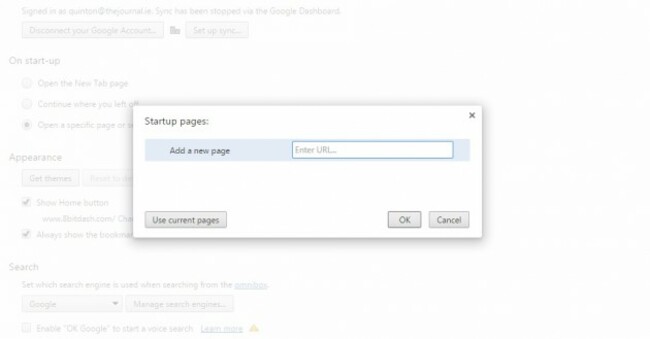
Which one should you go for?
That depends on a few things. You could go for the more practical ideas like your email address, Facebook page or news site, but you can mix it up with something a little more cheerful.
Many sites have a photo of the day or random comic setting which will provide you with something new every day so it’s good to choose something that will be interesting, but snappy so you’re not distracted by what you have to do.
Here are a few quick examples to help kick you off.
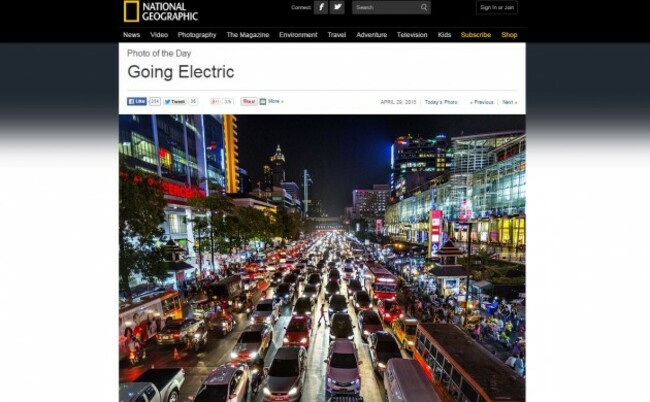
National Geographic – its photo of the day with shots taken from around the world and they rarely disappoint.
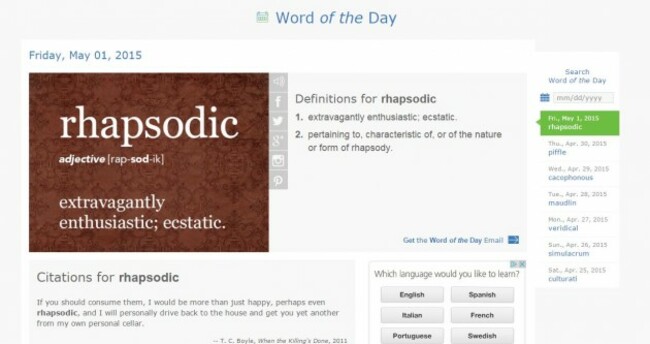
Word of the day - Because there’s nothing wrong with wanting to improve your vocabulary.
Wikipedia - Start the day by reading about a completely random article. Whether you have an interest in said article is another story entirely, but since there are more than 4.8 million articles available, it will keep you busy.
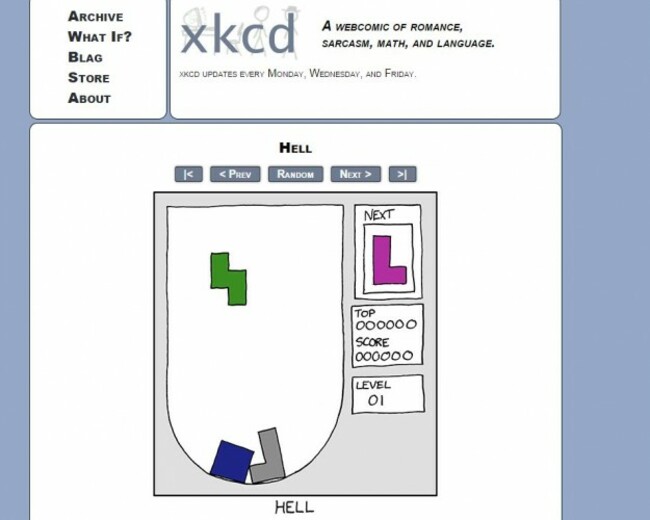
xkcd – Needs no introduction, but any comic with a random button can be turned into your home page. Just visit your comic of choice, right click the random button and click on copy link to get the URL.

To embed this post, copy the code below on your site













have your say