Sign in. It’s quick, free and it’s up to you.
An account is an optional way to support the work we do. Find out more.
Sign in. It’s quick, free and it’s up to you.
An account is an optional way to support the work we do. Find out more.
WHILE THERE ARE a number of Mac apps that will allow you to clean up your hard drive, most of them require you to delve deep, which would put many users off.
If you’re looking for something more straightforward, then it could be worth looking into Disk App, a minimalistic yet powerful cleaner for Mac.
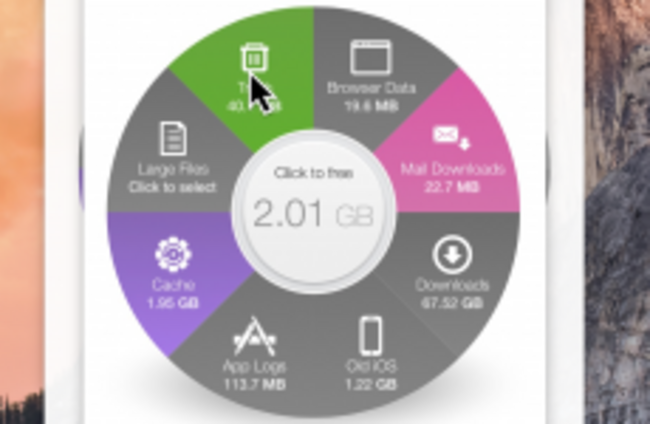
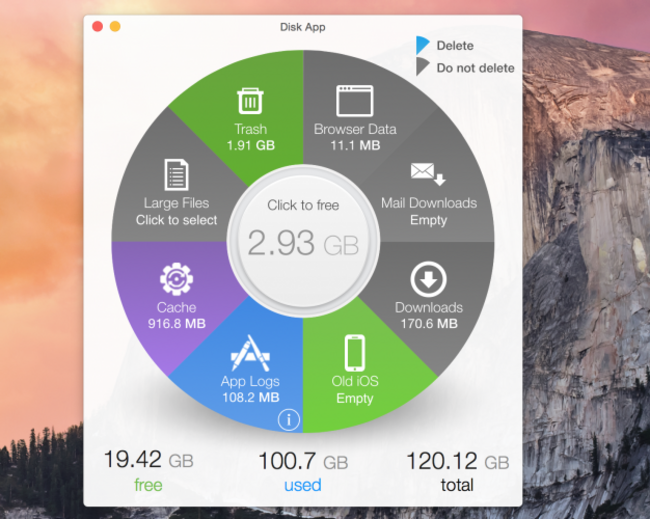
Taking the form of a pie chart, the app breaks down your file usage into a number of different sections, it scans them and gives you a breakdown of what’s taking up space on your hard drive like files in your trash, cache, iOS logs and browser history.
Any files that are bigger than 100MB can be viewed separately, identified from largest to smallest, select the sections you want cleaned up and that’s it. You can select certain files or folders to be excluded so you don’t accidentally delete any important files in the process.
If you’re looking for a quick and easy way to free up space, then it does the job. If you’re looking for something more advanced, then a tool like OnyX, or Disk Inventory X will give you a more comprehensive analysis of your hard drive.
Also, both tools are free too which might make them (slightly) more appealing than Disk App which costs €0.89.

To embed this post, copy the code below on your site














have your say