Sign in. It’s quick, free and it’s up to you.
An account is an optional way to support the work we do. Find out more.
Sign in. It’s quick, free and it’s up to you.
An account is an optional way to support the work we do. Find out more.
YOUR SMARTPHONE IS capable of many things, but while the technology has improved, the batteries haven’t.
That doesn’t mean there haven’t been improvements.While the chips powering newer smartphones have become more efficient, and some phones bring with it power saving modes, there are still other reasons why your phone guzzles through your battery life like there’s no tomorrow.
Here are some of the reasons why your phone is running out and what you can do to stop it (outside of the usual wear and tear).
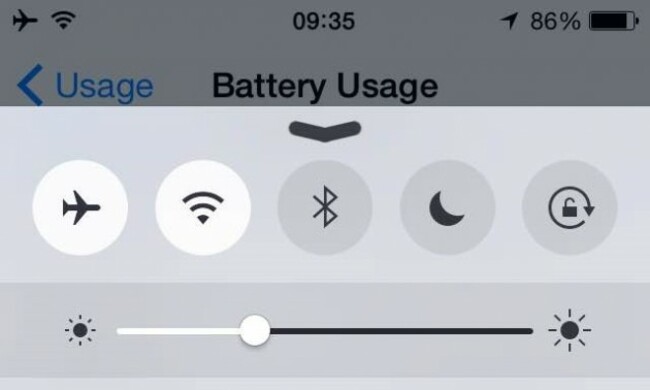
You have screen brightness set too high
If you’re in natural sunlight and find it difficult to see the screen, then it makes sense to increase the brightness so you can make out what’s there, but for the most part, this isn’t necessary. Instead, it’s better to turn the brightness down as low as possible so you’re able to make out what’s there.
Sometimes if you find yourself switching between darker and lighter environments, auto can be useful, but brightness options is normally a swipe or two away so this setting isn’t as important.
It’s surprising how much longer your phone will last when you don’t have the screen up high, and as a bonus, looking at it will be that little bit easier on your eyes.
You have Bluetooth activated
Bluetooth can be a useful feature when you’re connecting to other devices, but the search for a signal does put a lot of strain on your device.
Only have it on when you need it and turn it off immediately after you’re done with it.
You leave your phone on standby for too long
When your phone is inactive, it switches off after a certain period of time, but depending on your settings, it will usually take a few seconds to go into standby.
You can reduce the amount of time the phone needs to be left idle before it goes into standby mode. Or better yet, get into the habit of putting your phone to sleep by hitting the power button when you’re finished.
You have too many apps running in the background
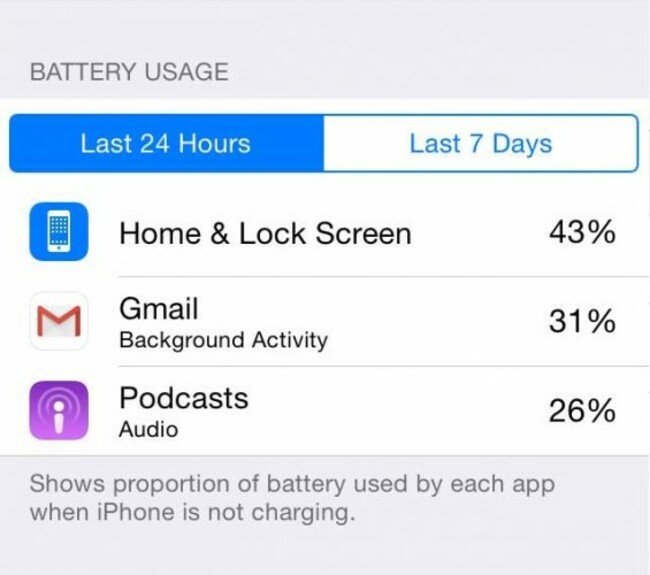
Not all apps are created equal and certain apps will use more resources than others. It’s inevitable really so it’s worth looking at what apps are running in the background.
For Android, any app that’s using more than 5% of power, shut it down through the power screen. The same principle can be applied to iOS and Windows Phone.
Alternatively, limit the search for updates to the most important apps and turn off the rest. Your battery (and your sanity) will thank you.
You’re too reliant on GPS/location services
Much like Bluetooth, your phone can waste power searching for your location and updating it every few minutes. You don’t need it to search for your location when you’re not using an app so don’t have it on.
Your phone vibrates for everything
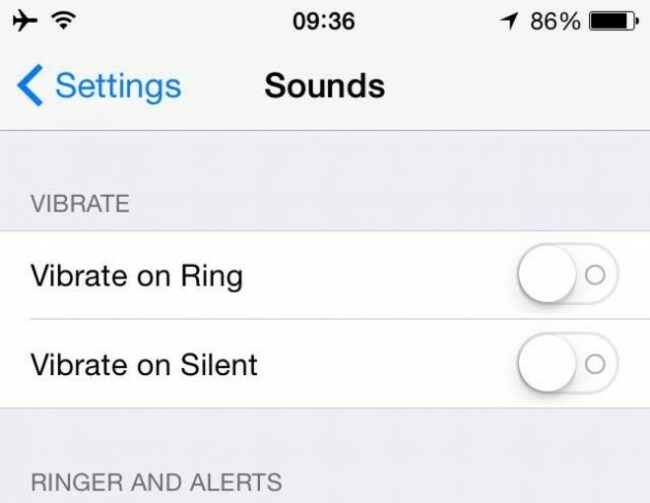
When you have your phone on silent mode, it uses vibrations to alert you to a notification or call, This is handy if it’s in your pocket, but the reality is it uses up more battery power as it requires your entire phone to shake.
If you’re keeping your phone on silent, it’s better to put it down in front of you if you’re sitting down at a table. If you have to put it in your pocket to go somewhere, it’s better to rely on the ringtone alone – make sure it’s loud enough so you notice it if you’re in a loud area.
You use your phone as a hotspot
While it’s useful to have your device as a makeshift WiFi connection (especially since you shouldn’t really trust public WiFi), it’s an absolute battery killer.
You can bypass this by connecting your phone to your laptop so it has a power source, but if your laptop isn’t connected to a power source, expect the battery to go down faster than expected.

To embed this post, copy the code below on your site















have your say