Sign in. It’s quick, free and it’s up to you.
An account is an optional way to support the work we do. Find out more.
Sign in. It’s quick, free and it’s up to you.
An account is an optional way to support the work we do. Find out more.

YOUR iPHONE IS expensive. It’s pretty. And you probably have half your life on there. (You’ve backed it up, right?)
Why not take care of it to make sure it sticks around long enough to serve you well?
Here are some tips on what you can do to guarantee your iPhone will be functional and useful for a long time.
It might be obvious, but use a case

Maybe not this particular cover… (image via Amazon)
The simple act of keeping your phone inside a durable plastic shell will go miles in keeping your phone intact.
You’ll no longer fear dropping your phone on the pavement or seeing it succumb to some horrible impact.
There are loads and loads of cases out there. Just find the one that works best for you. Ones that have an edge that is raised slightly above the level of the front screen are obviously useful for protecting the glass when it falls face-down on the floor.
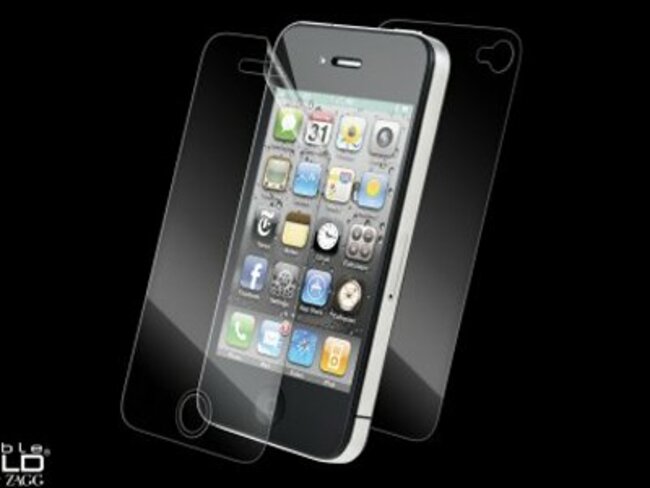
Double up on the protection and use a screen protector
We swear by Zagg’s Invisible Shield but they are ten a penny on amazon or in any supermarket or shop with a gadgets accessories section.
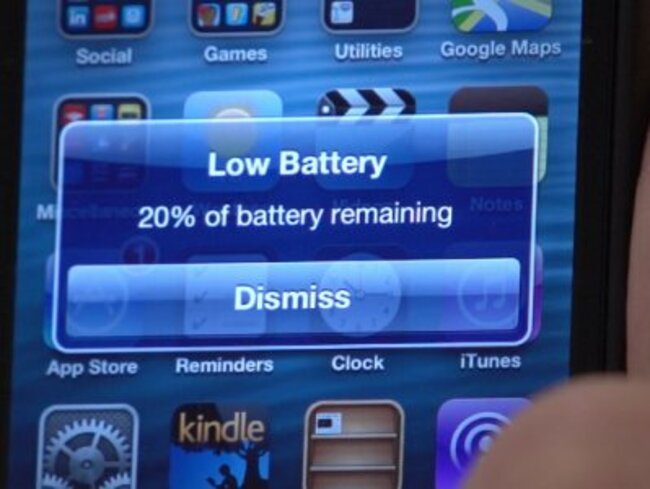
Reduce the strain on your battery
Business Insider/William Wei
Push email, maximum screen brightness, Bluetooth connectivity. These only scratch the surface of battery-draining conveniences that you might do just fine without. If you value your battery over your need to instantly know when you have a new email, turn them off.
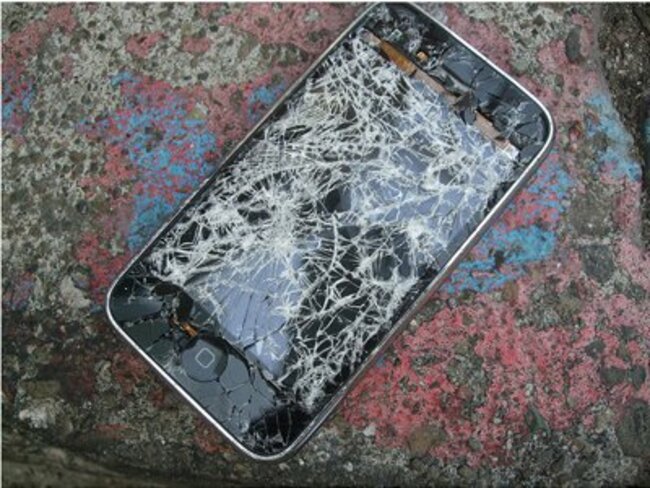
You can replace a broken screen
So you cracked your screen. Don’t replace the phone, just replace the screen.
A number of third-party companies will do this for a reasonable price – say up to €100 – have a look at repairit.ie, AppleFix, expresstech.ie, fixiy.ie, even the tech services of DID Electrical. Do some searches for your area, read reviews, and find a vendor that looks promising.
Apple won’t replace screens, but will only swap out entire phones.
Turn off your phone if it’s hot to the touch
Overheated man via Shutterstock
Heat and electronics don’t necessarily get along so well. If your phone is hot to the touch, turn it off and give it some time to breathe and cool down. That heat is only bad news for your phone and battery.
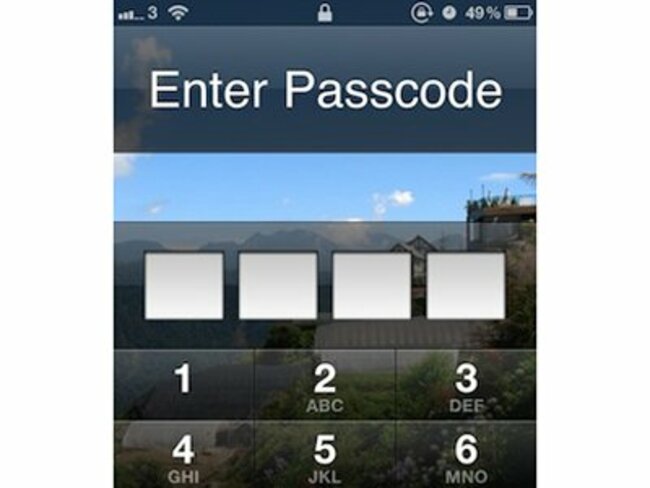
Use the passcode lock
Keep your phone locked down so that only you can access it. A “missing” phone that no one else can use is a bit more likely to make its way back to the owner.
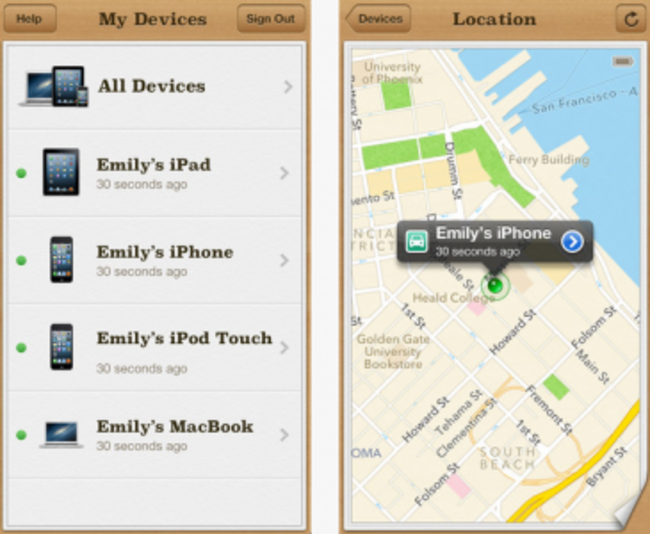
Use Find my iPhone
Apple makes it possible to pinpoint the location of your phone with GPS if it’s lost or stolen. “Find My iPhone” is a free app that you can downloadright here.
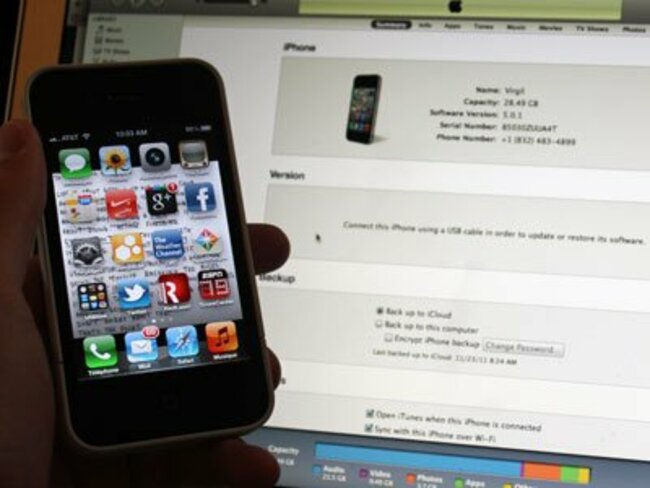
Sync your phone often
Business Insider/Matthew Lynley
If and when your phone finally does kick the bucket, it’s best to have your most current data and settings backed up on your computer. Sync your phone with iTunes often and make it a habit. It will save loads of time when you replace your phone and want to pick up where you left off.
- Dylan Love

To embed this post, copy the code below on your site














have your say