Sign in. It’s quick, free and it’s up to you.
An account is an optional way to support the work we do. Find out more.
Sign in. It’s quick, free and it’s up to you.
An account is an optional way to support the work we do. Find out more.
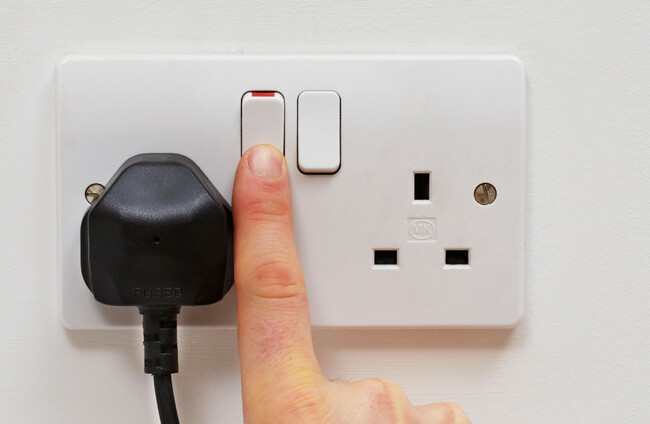
IF YOU’RE A Sky customer who was watching TV last night, you might have experienced your Sky Q box switching into standby mode unexpectedly.
Sky has apologised this morning to customers who were affected, saying it was down to technical issues.
Its advice to customers whose boxes are still stuck in standby mode is to turn them off and on again.
In a statement to The Journal, Sky said: “We’re sorry some customers had trouble accessing Sky Q last night. The issue is now resolved, and service has been restored.”
On social media, it advised customers that if their box is still stuck in standby mode, it should be switched off at the power socket for 30 seconds and then switched back on again to restore service.
If your Sky Q box is still stuck in standby please switch off your Sky Q box at the power socket for 30 seconds and back on again which will restore service.
— Sky Help Team (@SkyHelpTeam) May 16, 2025
We’re sorry for any inconvenience caused.
<2/2>
“We are aware of some technical issues overnight that led to Sky Q boxes to go into standby mode. Our technical team worked quickly to investigate and restore service,” the company said.
“If your Sky Q box is still stuck in standby, please switch off your Sky Q box at the power socket for 30 seconds and back on again which will restore service. We’re sorry for any inconvenience caused.”

To embed this post, copy the code below on your site















have your say